The PoleOS™ Company




IKE Office Pro Training
Expert-led training for the complete IKE field-to-office workflow.
IKE Office Pro is the purpose-built cloud platform that takes pole data from the field and turns it into accurate, digital records ready for analysis, reporting, and export. Our expert-led training programs cover everything your team needs—from operating the IKE Device and IKE Field app in the field to uploading, annotating, and exporting data in the office. Both field and office engineers are trained together on the end-to-end IKE workflow.

Training for every member of your team

Field data collection training
Field technicians leave the training ready to operate the IKE Device independently from day one. The hands-on field exercise covers everything they need for a productive first deployment. Fielders also learn the self-QC checklist so they can review their own photos before leaving the pole, catching any issues on the spot rather than discovering them back in the office.

IKE Office Pro back-office training
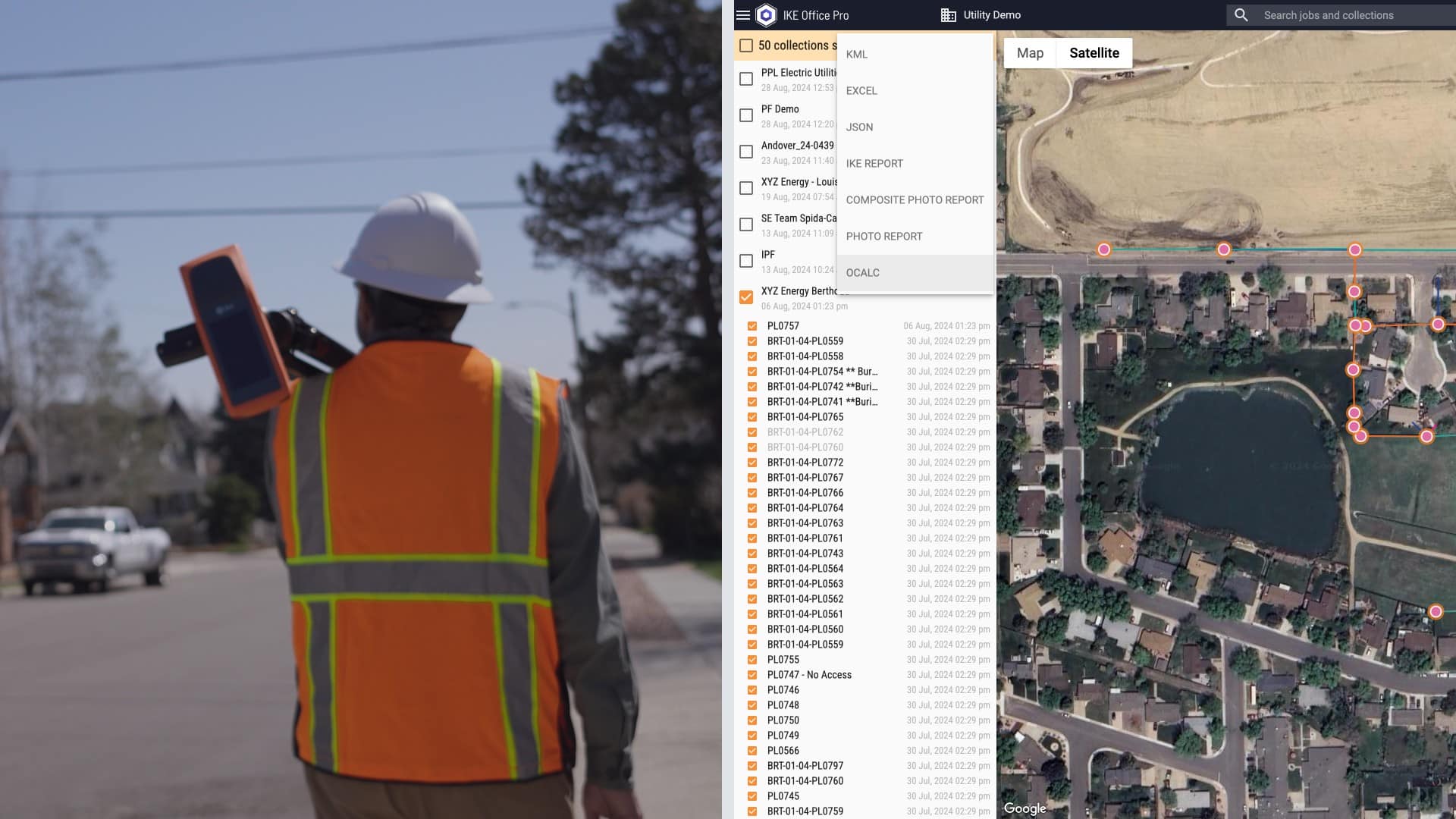
For back-office analysts, project managers, and office staff, training covers reviewing and annotating uploaded IKE Records, measuring heights of attachment and span data from calibrated IKE Photos, performing self-QC, managing collections and workflow status, and exporting deliverables to clients and pole loading analysis tools, including IKE PoleForeman, O-Calc Pro, and SPIDAcalc.
Administrator & configuration training
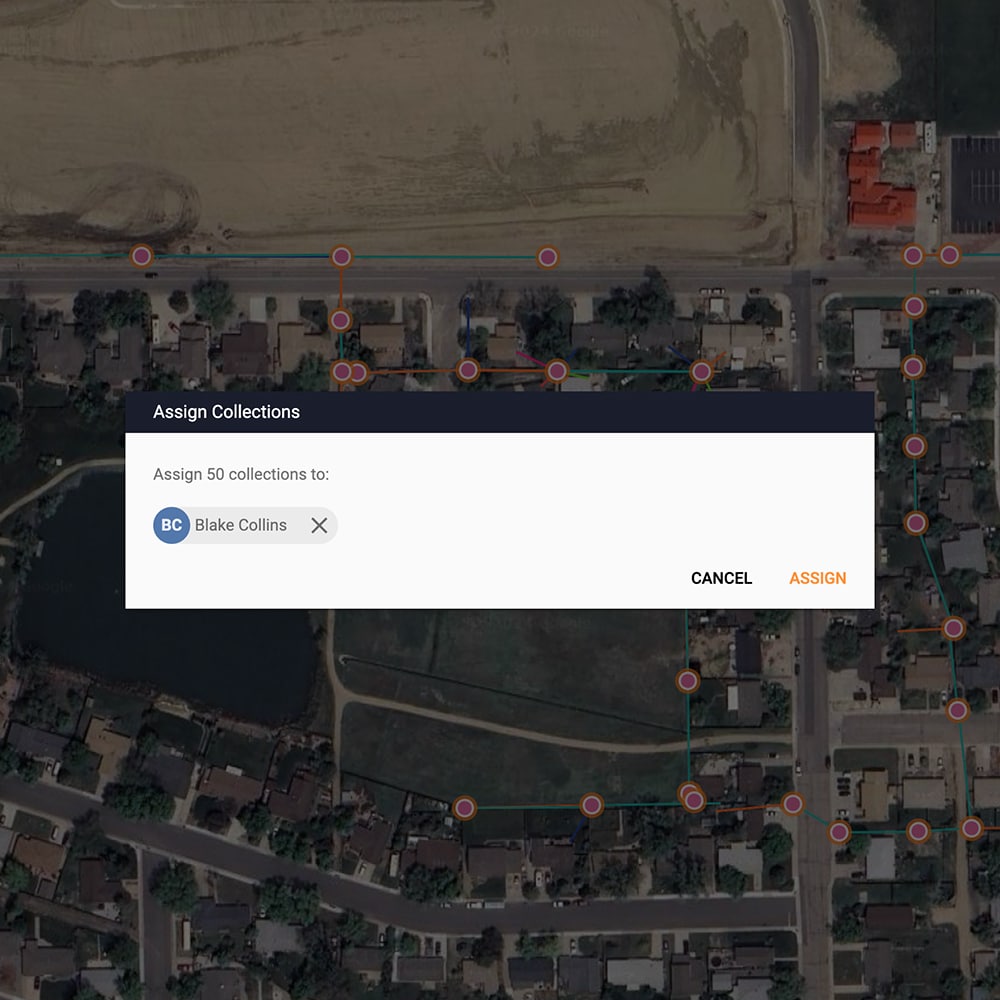
For department administrators, standards teams, and project leads responsible for configuring IKE Office Pro. Participants gain hands-on experience with user role management, building and editing collection forms (including Hide, Cloneable, and Label field options), PLA equipment catalog integration, data roundtrip via CSV import and job assignment, and map-based review mode for project oversight and quality control.
Request a training
Available for existing customers only.
Why train with us?
Expert trainers

Hands-on curriculum
Practical workflows
Diverse configuration methods
Interactive learning experience

Led by our expert instructor
Chase Luinstra FDC Process Manager, at ikeGPSChase Luinstra is an experienced Field Data Collection and training professional with over five years of hands-on expertise across the full IKE platform, including two years as a back-office analyst in IKE Office Pro and four years managing fielding projects of varying scale with the IKE Device. His time in the field collecting production data for the IKE Analyze team gives him firsthand knowledge of the challenges real pole environments present, and he brings those practical insights directly into every training session. As FDC Process Manager at ikeGPS, Chase develops training content grounded in real-world workflows, helping field technicians and office analysts alike build the confidence and technique needed to produce high-quality pole data from day one. Chase values training that reflects how the work actually gets done, by combining operational experience with a clear-eyed understanding of what makes teams successful in the field and in the office.
FAQs
How is the field and office training structured across a single day?
The full training follows a set sequence: participants begin with an IKE Office Pro orientation in the morning, move into IKE Device setup and IKE Field app training, then head to the field for a live pole collection exercise. After lunch, the afternoon is spent uploading collected data, annotating IKE Records as a group, working through the self-QC checklist, and practicing exports. Both field technicians and back-office analysts attend together so each team understands the full workflow.
Who should attend training?
Field technicians and crew leads who will operate the IKE Device. Back-office analysts and project managers who will use IKE Office Pro for annotation or use reporting dashboards. Department administrators, standards teams, and project leads who configure forms, manage users, and govern project data.
What is the self-QC procedure, and why is it part of training?
The self-QC procedure is a seven-point checklist that analysts apply to every uploaded collection before annotation begins. It checks that the pole location was captured, the pole base and tip are visible in IKE Photos, the base offset stick was used where needed, the laser indicator is hitting the wood of the pole rather than vegetation or equipment, the pole is vertically aligned in the photo, the image is not overexposed, and midspan photos were taken at the lowest point of wire sag. Training this procedure directly reduces the re-collects and annotation errors that compromise data quality downstream.
Can I access training materials after the training session is complete?
Yes. IKE University provides on-demand access to self-paced courses, step-by-step documentation, and our Lunch & Learns webinar series which covers commonly asked questions about IKE Office Pro and the IKE Device. These resources are available any time, making it easy for new team members to get up to speed independently or for experienced users to revisit specific workflows as needed. Our support team is also available for questions that go beyond self-serve materials.
Related resources
Toth & Associates speeds up pole data collection and accuracy
Toth & Associates achieved the scale needed to take on and successfully deliver large (50,000+) pole projects by making the IKE Device integral to their...
Read Now
Luck Grove optimizes field-to-back-office processes with IKE
Luck Grove gained the speed and performance to scale their business while expediting timelines and passing savings on to clients. They were able to achieve...
Read Now
Safety and speed in pole data collection
Data collection is at the heart of building and maintaining our power and communication infrastructure. But for decades, field teams have faced the same challenges:...
Read Now